
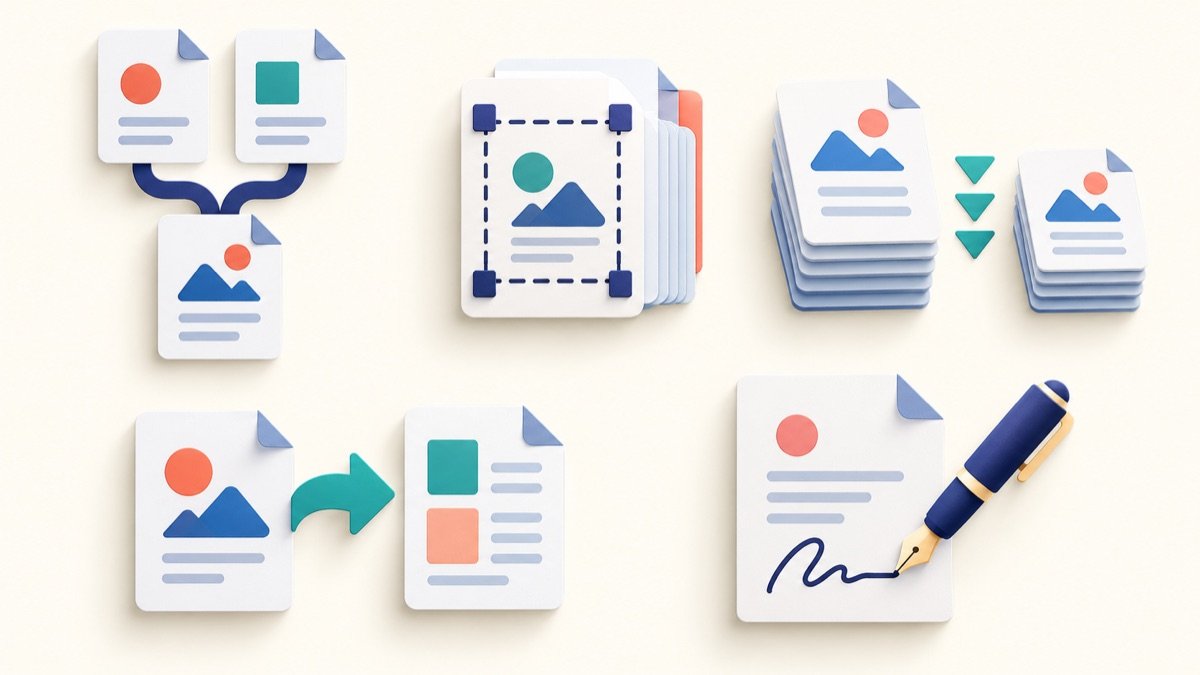
Most PDF jobs are small and specific: combine a few pages, extract one section, rotate a scan or convert a document for sharing. Here are ten TooliFyra tools for those tasks. The right choice depends on the source file and what you need to preserve.
- PDF Merger: join several PDFs in a chosen order.
- PDF Splitter: separate a long document into smaller files.
- PDF Compressor: create a smaller, rasterized copy. This tool turns each page into an image, so text may no longer be searchable or selectable; retain the original.
- PDF to Word: extract content for editing. Complex layouts may need repair after conversion.
- Word to PDF: create a simple PDF from DOCX text. It does not preserve complex Word formatting, images or page layout.
- PDF to JPG: turn PDF pages into images for previews or sharing.
- JPG to PDF: place images into a PDF document.
- PDF Page Rotator: correct sideways or upside-down pages.
- PDF Protection: set password protection where supported; keep the password safe.
- PDF Watermark: add a visible text or image mark to pages.
Choose a tool based on the result you need
For a document that must remain searchable, accessible or easy to edit, avoid converting every page into an image. For a document that must keep a precise design, use the original authoring app’s export function and inspect the resulting PDF. After merging, rotating or converting, open the finished file and check page order, orientation, links and form fields.
The tools are separate utilities, not a replacement for a full desktop PDF editor. Processing details differ from one tool to another; read each tool’s on-page notes before using it with important documents. Keep a copy of the original file until you have checked the output.
Frequently asked questions
Will every conversion keep the original layout?
No. Conversions can change fonts, page breaks, links, images or other structure. The Word-to-PDF tool here rebuilds a simple PDF from extracted text; use Word or another layout-aware app when exact formatting matters.
Does compressing a PDF always keep text searchable?
No. TooliFyra’s PDF compressor rasterizes the pages, which can remove searchable text and make small print softer. Keep the original and use this copy only when that tradeoff is acceptable.
What should I check after a PDF task?
Open the downloaded file and review page order, rotation, readability, links and any forms or signatures you rely on.