
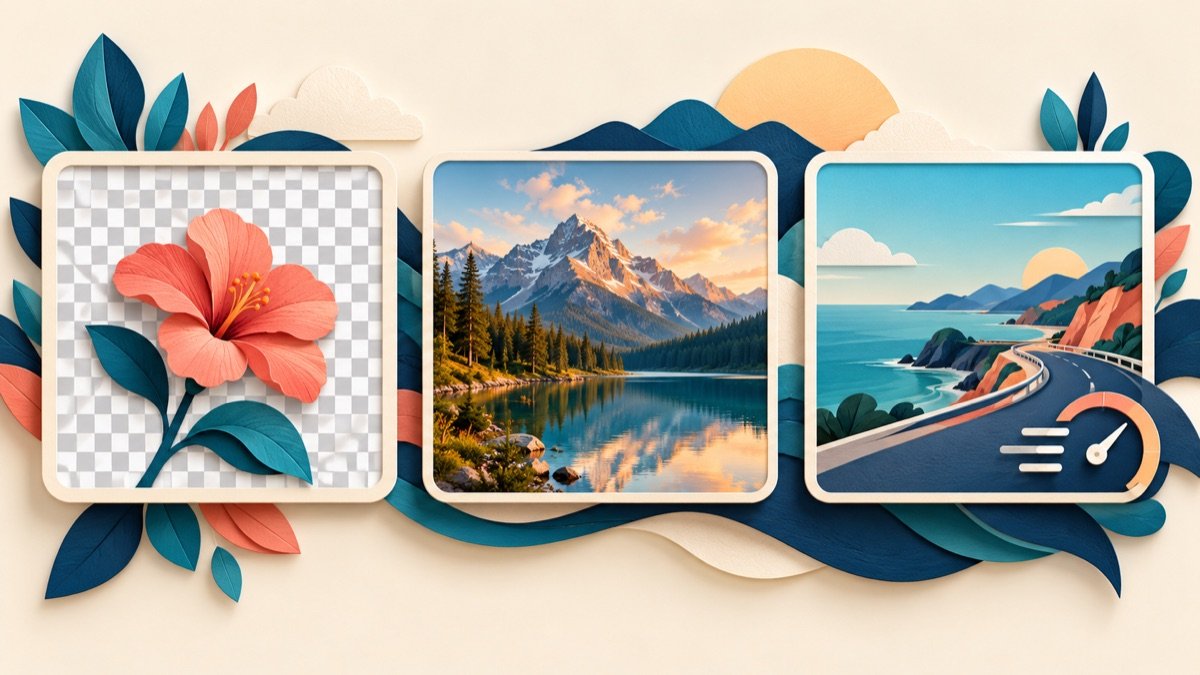
PNG, JPG (JPEG) and WebP store image data differently. There is no format that is best for every image: choose based on transparency, visual detail, file size and the software that needs to open it.
| Format | Best starting point | Transparency | Compression note |
|---|---|---|---|
| JPG / JPEG | Photographs and natural scenes | No | Usually lossy; repeated exports can add visible artifacts. |
| PNG | Logos, screenshots and crisp graphics | Yes | Lossless; can be much larger for photographs. |
| WebP | Web photos and graphics where supported by the workflow | Yes | Supports lossy and lossless encoding, transparency and animation. |
When JPG is a good choice
JPG is broadly supported and often practical for photographs. It does not support transparency. Use a sensible quality setting and keep an original copy, because exporting again as JPG can discard more image detail.
When PNG is a good choice
PNG is useful for screenshots, diagrams, logos and images that need transparent pixels or crisp edges. Converting a JPG to PNG does not recover detail that the JPG compression already removed; it may only make the file larger.
When WebP is a good choice
WebP can represent lossy or lossless images and can include transparency. Google’s published compression study found WebP files averaged 25–34% smaller than JPEG at an equivalent SSIM quality score in its test sets; individual results vary by image and export settings. See Google’s WebP compression study.
Before using a newer format in a design, email or print workflow, confirm that the receiving app supports it. For web pages, use an image element with an appropriate fallback when you need broader compatibility.
Convert only when it solves a real problem
TooliFyra offers PNG to JPG, JPG to PNG, PNG to WebP and WebP to JPG tools. Check dimensions, transparency and visual quality after conversion. Keep the source file if you may need another export later.
Frequently asked questions
Is WebP always smaller than JPG?
No. Results depend on the source image and encoding settings. Compare file size and visual quality rather than assuming a fixed saving.
Can a JPG be made transparent by converting it to PNG?
No. PNG supports transparency, but a format conversion alone does not remove the JPG background. You need an editing or background-removal step.
Which format should I use for a screenshot?
PNG is often a good first choice for text and sharp interface edges. WebP may also work well for web delivery; inspect the result and confirm your workflow supports it.